
Manageyourscreenswithout the hassle
Publish content and widgets to every TV in your company, with instant updates and per-channel scheduling.
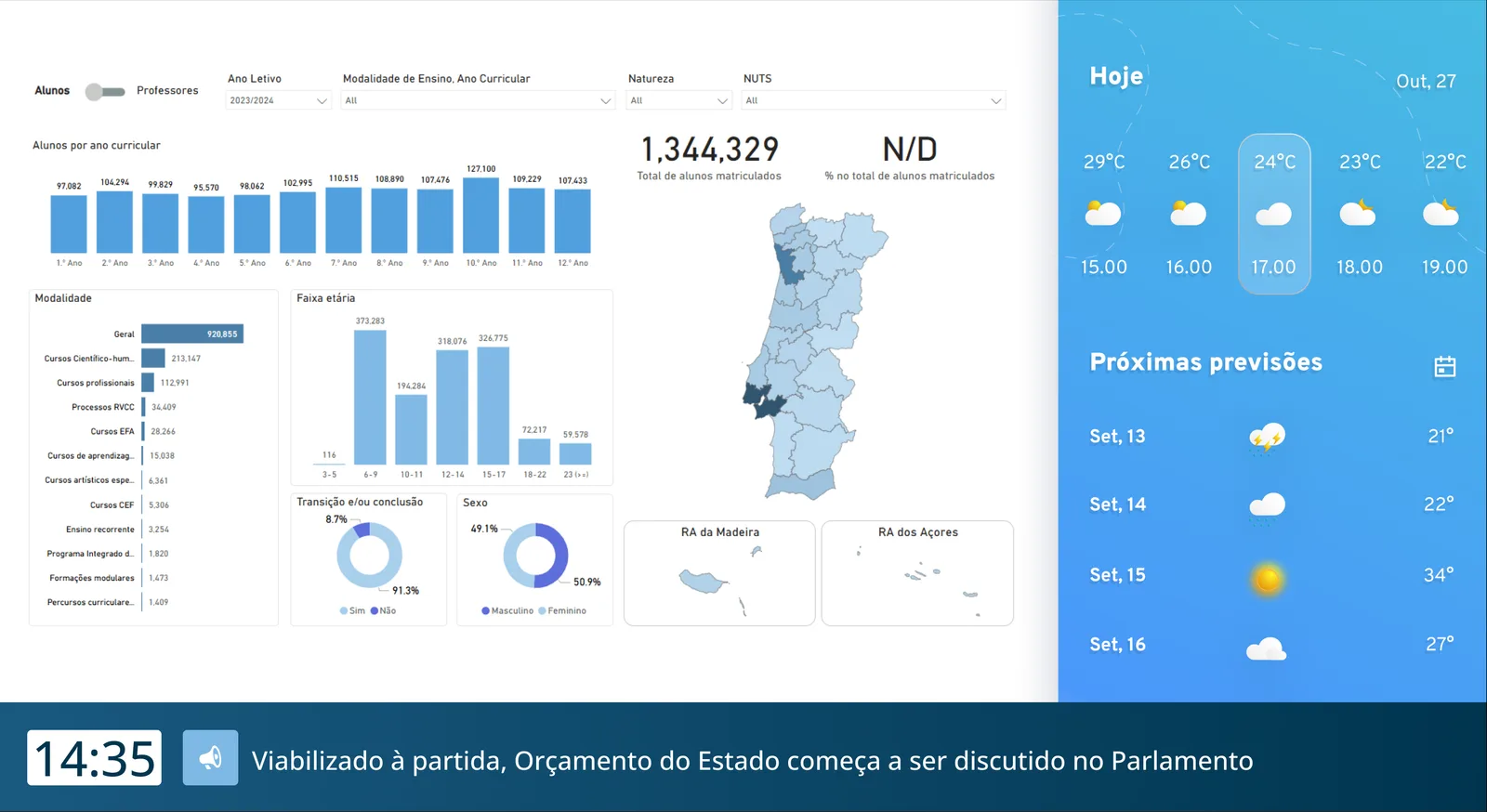
Everything your screens need
Built for companies that need to keep audiences informed, every day.
Real-time Updates
Content updated instantly on the TV, with no need to restart.
Smart & Intuitive
Control all your screens from a single intuitive dashboard.
Enterprise Security
End-to-end encryption and compliance with IT standards.
Hardware Agnostic
Works on Android TV and Android boxes.
Offline Mode
Content keeps playing even if the internet goes down.
Ready-made Widgets
RSS feeds, YouTube, Power BI, web pages and images, all in one screen.
Three steps to get everything running
Pair the screen
Install the app on Android TV and pair it with a code from the backoffice.
Build the content
Add widgets such as RSS, YouTube, Power BI, web pages and images.
Publish and track
Schedule channels for each screen and see changes reach the TV in real time.
Innovation that Drives Business
We're not just a Corporate TV platform. We're the partner that turns your screens into powerful, engaging communication channels.
Instant Updates
Change the content of every screen in a single click.
Multi-User Management
Assign granular permissions to different teams or departments.
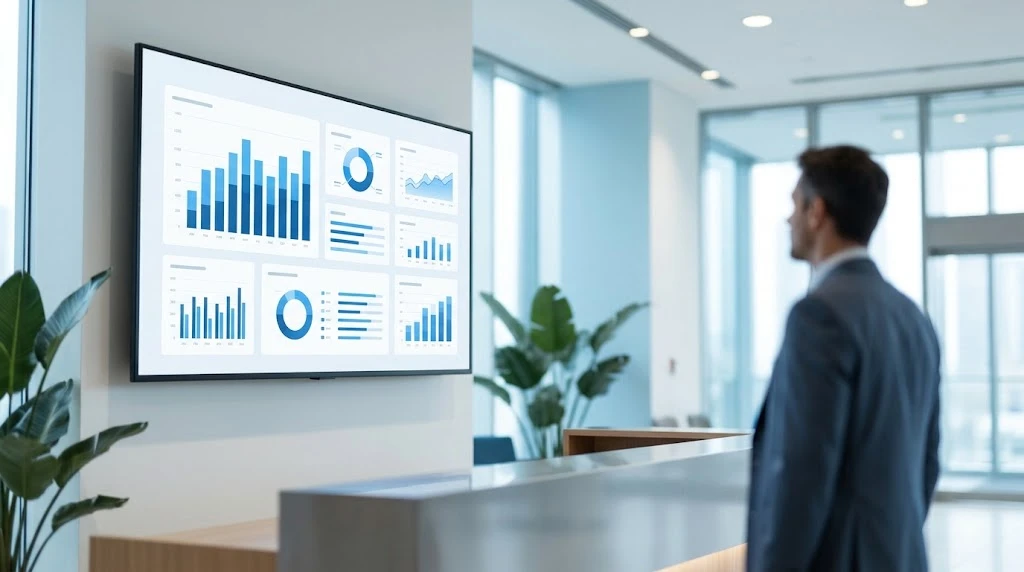
A widget for every need
Combine feeds, videos, dashboards and web pages on the same screen, and schedule each one on its own.
RSS
Dynamic Feeds
YouTube
Streaming
Power BI
Live Analytics
IFrame
Web Integration
Video
4K Playback
Image
High Res Images
Custom requests
Connect a screen to an internal service or API and show the data your team already tracks.
Reusable templates
Design a layout once and apply it to new channels without starting over.
Frequently Asked Questions
Is specific hardware required?
Can I manage screens in different locations?
How does technical support work?
How do I connect a screen to the platform?
What happens if the internet goes down?
Can I schedule different content for each screen or time slot?
Is my data secure?
See the platform running on your screens.
Tell us where your screens are and we will show how the platform fits your case.